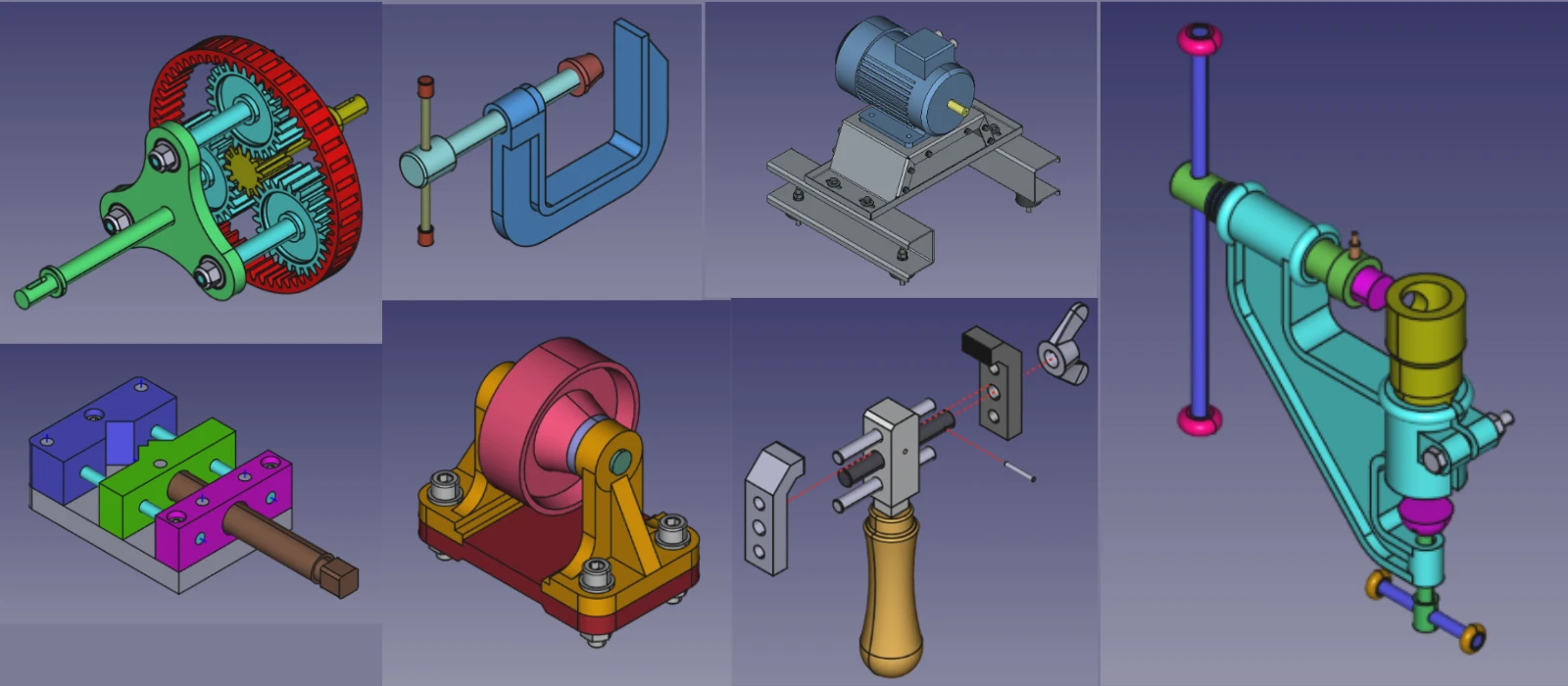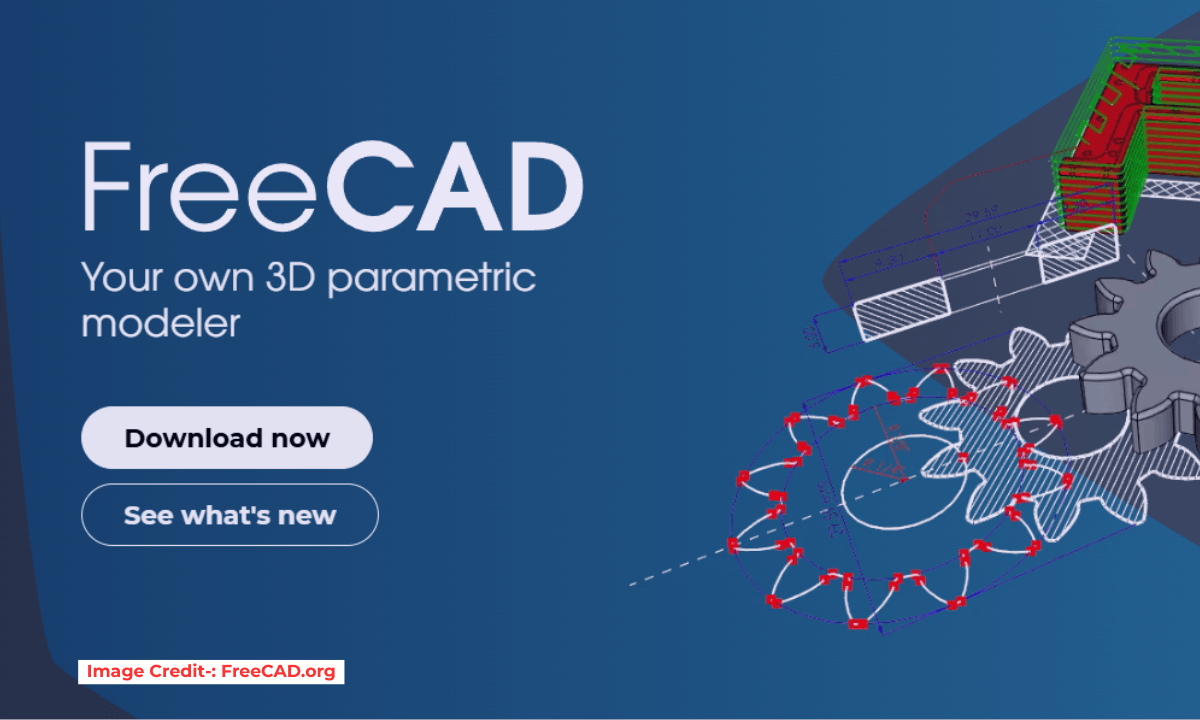
FreeCAD is a powerful open-source CAD software that offers a wide range of tools and features to help students learn the fundamentals of computer-aided design. FreeCAD provides a user-friendly interface, making it easy for beginners to navigate and experiment with different design concepts. With FreeCAD, students can create 2D drawings and 3D models, allowing them to visualize their ideas in a digital format.
FreeCAD software supports parametric modeling, enabling users to make quick changes and iterations to their designs without starting from scratch. FreeCAD offers various tutorials and resources online, helping students enhance their skills and knowledge in CAD. Overall, FreeCAD serves as an essential tool for students looking to develop their proficiency in CAD and prepare themselves for future careers in engineering, architecture, or design.
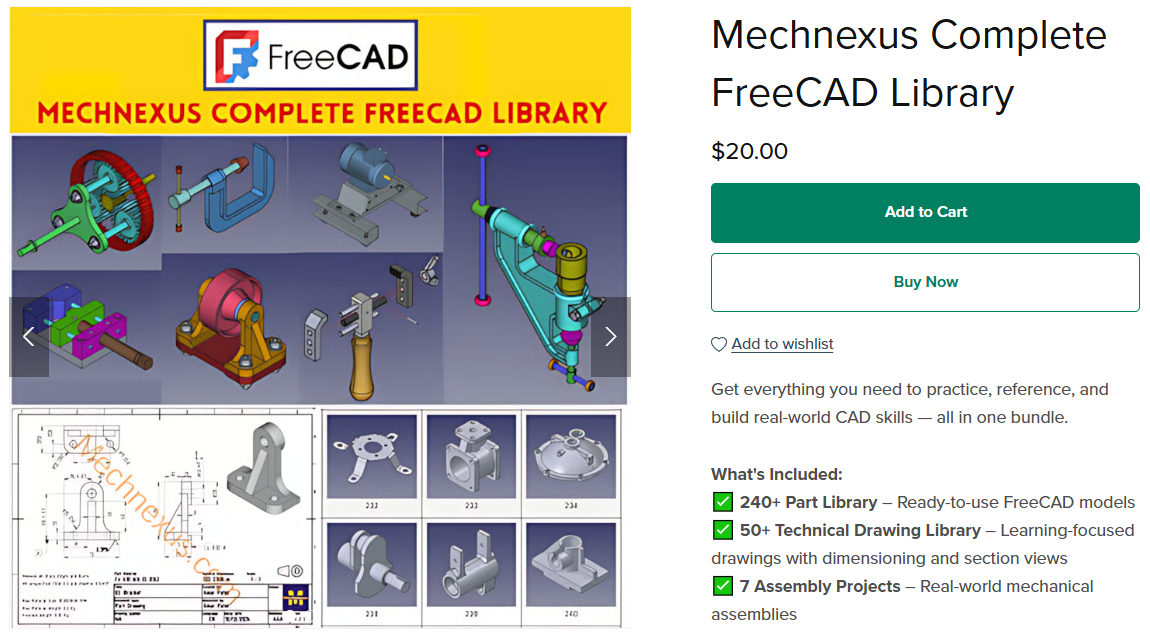

- Hands-On Practice: FreeCAD provides a platform for students to practice creating 3D models, technical drawings, and assemblies, which are essential skills in CAD.
- Understanding Design Principles: Students can learn how to design parts and assemblies, apply constraints, and create dimensioned drawings.
- Simulation and Analysis: With the FEM (Finite Element Method) workbench, students can perform structural and thermal analysis, giving them insight into real-world engineering challenges.
- Scripting and Automation: FreeCAD’s Python API allows students to explore programming and automation, which is a valuable skill in CAD and engineering.
- Collaboration and File Sharing: FreeCAD supports standard file formats like STEP, IGES, STL, and DXF, enabling students to collaborate with peers and professionals using other CAD tools.
“Thank you for reading! If you found this article insightful and valuable, consider sharing it with your friends and followers on social media. Your share can help others discover this content too. Let’s spread knowledge together. Your support is greatly appreciated!”

 My FreeCAD Projects, Models & Drawings now on Payhip