This is the principal (root) module of FreeCAD. It can also be called by “App” from the FreeCAD interpreter. It contains everything that is needed to manipulate documents and their contents (objects).
Example:
import FreeCAD
print FreeCAD.listDocuments()
mydoc = FreeCAD.activeDocument()
Accessing FreeCAD’s Python API provides users with a powerful tool to customize and automate their design processes within the FreeCAD software. with advantages of Python programming language, users can create scripts to generate complex 3D models, manipulate existing designs, and perform advanced simulations. The Python API exposes a wide range of functionality within FreeCAD, including access to geometric objects, constraints, and properties of parts within a design.
This level of customization allows professionals to streamline their workflows, increase efficiency, and tackle more complex projects with ease for example FCinfo macro with is a piece of python code easily give are, volumae, center of mass etc with just a click.
With thorough understanding and utilization of the FreeCAD Python API, users can greatly enhance their productivity and unlock new capabilities within this open-source CAD software. FreeCAD’s functionality is exposed through its Python API. You can use this API to create and modify objects, automate tasks, and build custom tools.
- Document and Object Manipulation:
import FreeCAD as App import Part # Create a new document doc = App.newDocument() # Create a box box = Part.makeBox(10, 10, 10) # Dimensions: 10x10x10 mm Part.show(box) # Add the box to the document - Accessing Existing Objects:
# Get the active document
doc = App.ActiveDocument

# Access an object by name
obj = doc.getObject("Box")

# Print the object's properties
print(obj.PropertiesList)
To know more more about FreeCAD API visit https://wiki.freecad.org/FreeCAD_API
“Thank you for reading! If you found this article insightful and valuable, consider sharing it with your friends and followers on social media. Your share can help others discover this content too. Let’s spread knowledge together. Your support is greatly appreciated!”
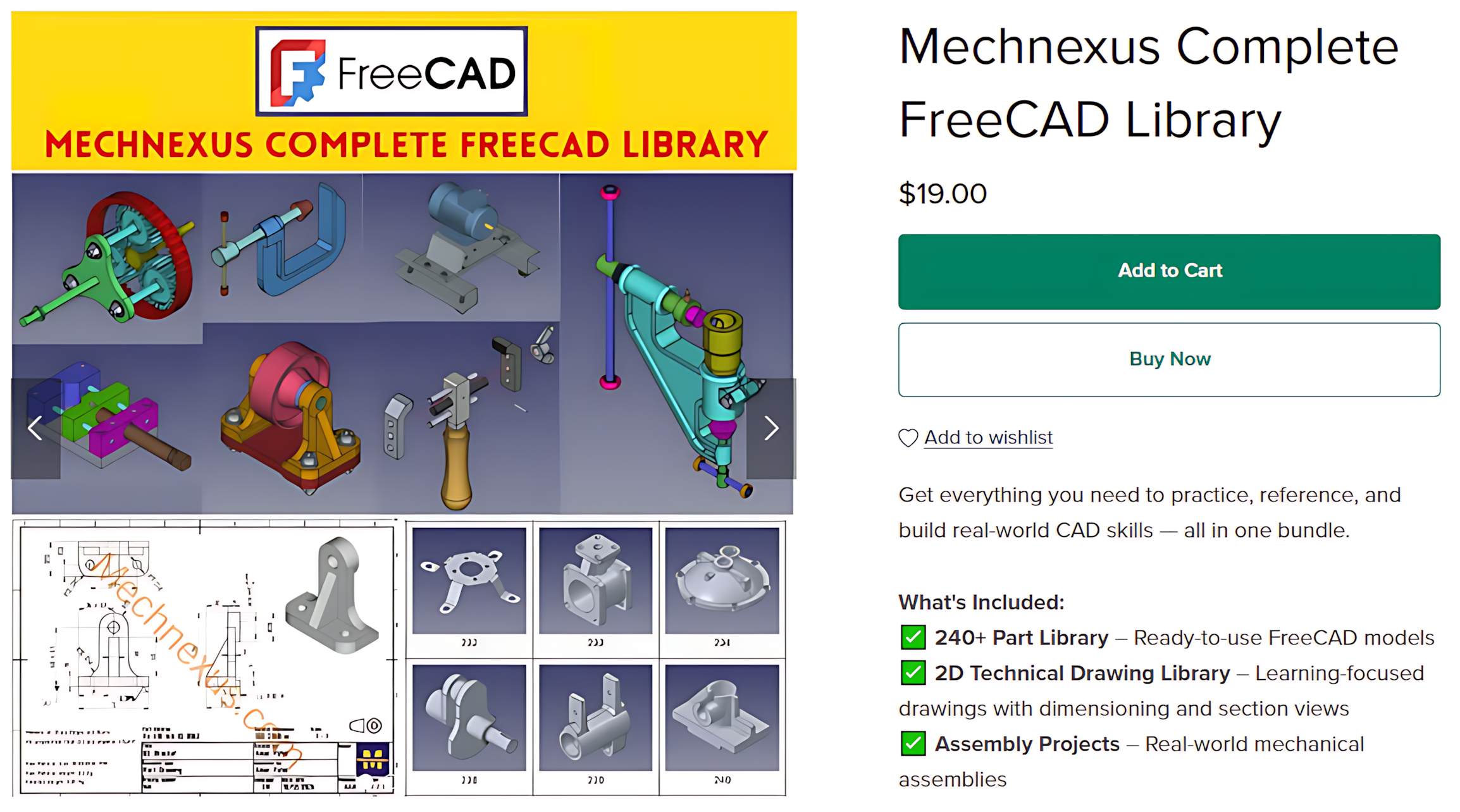
 My FreeCAD Projects,Model & Drawing now on Payhip