FreeCAD, an open-source parametric 3D modeling software, allows users to create custom tools to enhance their workflow efficiency. By utilizing the Python programming language within the FreeCAD environment, professionals can design and implement tailored tools to meet specific project requirements.
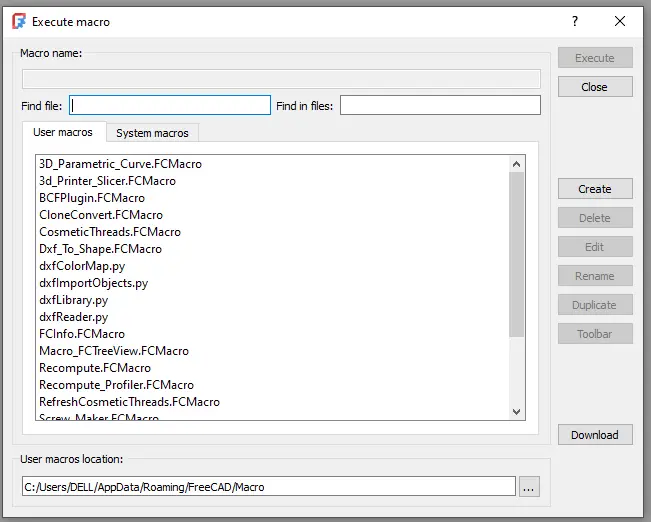
This capability enables users to automate repetitive tasks, streamline complex processes, and develop unique features not available in the standard toolset. Furthermore, creating custom tools in FreeCAD ensures a personalized approach to modeling and analysis, enabling users to achieve greater precision and control over their designs.
With a strong community support network and extensive documentation available online, professionals can easily leverage the full potential of FreeCAD by developing custom tools that cater to their specific needs and preferences. You can create custom tools by writing Python scripts and adding them to FreeCAD as macros or workbenches.
Example: Create a Custom Macro
- Open the Macro Editor (Macro > Macros > Create).
- Write your Python script:
import FreeCAD as App import Part def create_sphere(radius): sphere = Part.makeSphere(radius) Part.show(sphere) App.ActiveDocument.recompute() # Create a sphere with a radius of 5 mm create_sphere(5) - Save the macro and run it.
Add a Macro to the Toolbar
- Save your macro with a
.FCMacroextension in theMacrosfolder. - Go to Tools > Customize > Macros.
- Assign the macro to a toolbar or menu for easy access.
“Thank you for reading! If you found this article insightful and valuable, consider sharing it with your friends and followers on social media. Your share can help others discover this content too. Let’s spread knowledge together. Your support is greatly appreciated!”
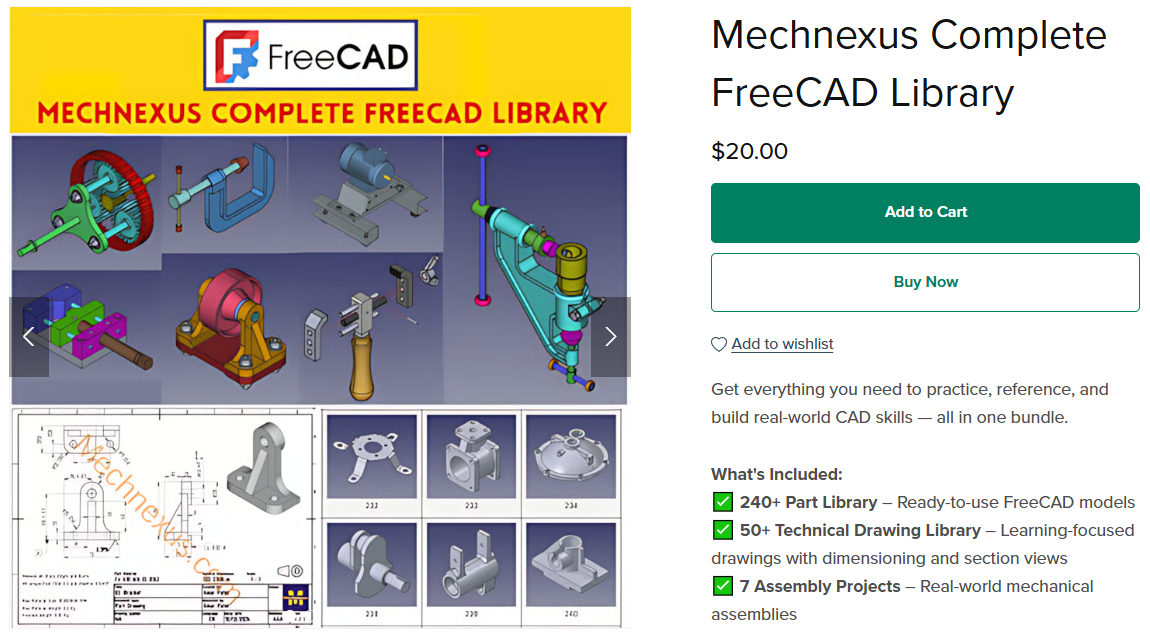
 My FreeCAD Projects, Models & Drawings now on Payhip