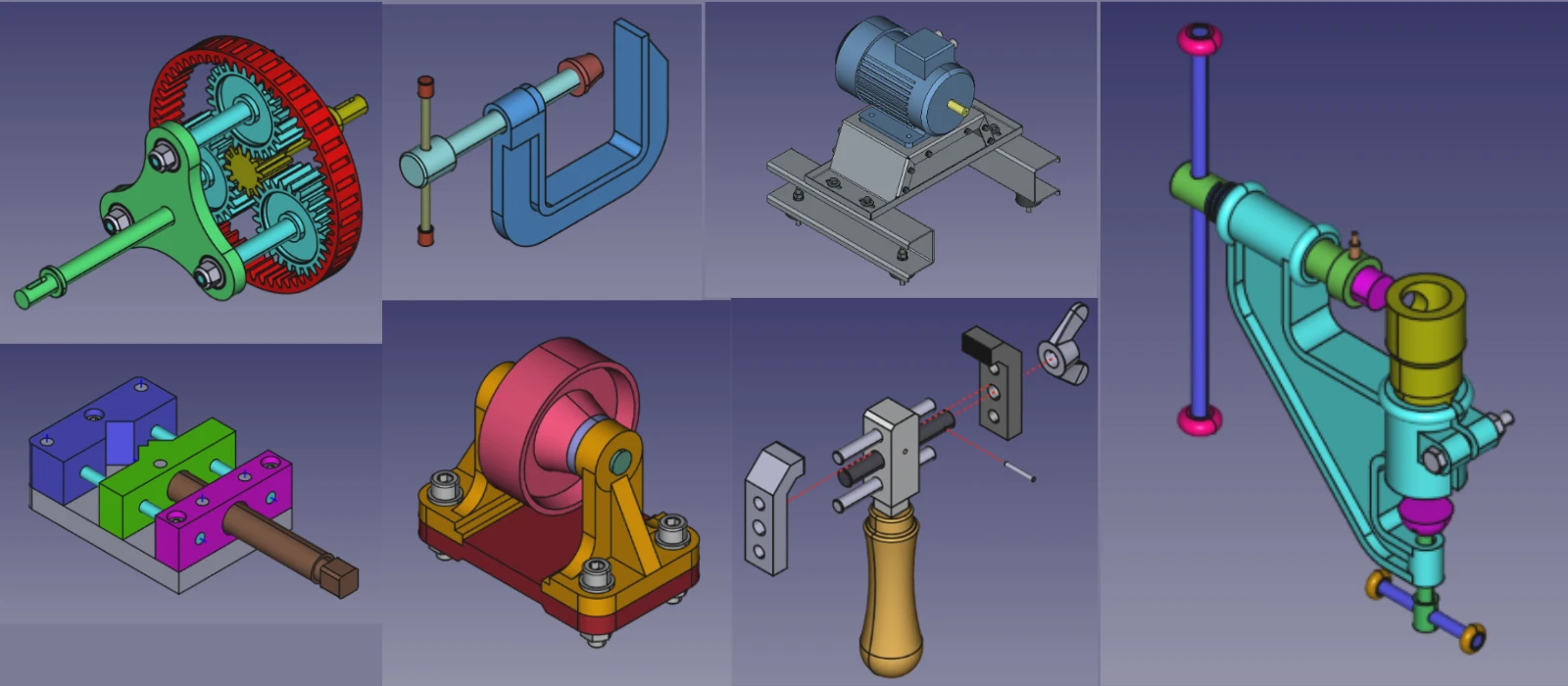

FreeCAD and Fusion 360 are two prominent CAD software programs with distinct features and capabilities catering to different user needs. FreeCAD, an open-source software, offers a wide range of tools for 3D modeling, parametric design, and meshing simulations.
FreeCAD’s strengths lie in its versatility and customization options, making it an ideal choice for experienced users looking for a free alternative. On the other hand, Fusion 360 is a comprehensive cloud-based CAD software developed by Autodesk, renowned for its advanced tools for industrial designers and engineers.

Fusion 360 excels in collaborative work environments, offering integrated CAM functionality and robust simulation capabilities. While FreeCAD provides a cost-effective solution with basic features suitable for beginners or hobbyists, Fusion 360 stands out as a professional-grade software with powerful tools designed for complex projects in engineering and manufacturing industries. Ultimately, the choice between the two depends on the specific requirements of the user and the level of sophistication needed in their designs.
- FreeCAD:
- Parametric Modeling: FreeCAD is built around parametric modeling, allowing you to create models that can be easily modified by changing parameters.
- Modular Workbenches: FreeCAD offers specialized workbenches for different tasks (e.g., Part Design, Sketcher, FEM, Path for CAM).
- Open-Source Flexibility: You can customize FreeCAD or add new features using Python scripting.
- Limited Advanced Features: While powerful, FreeCAD lacks some advanced features found in commercial software, such as advanced simulation or rendering tools.
- Fusion 360:
- All-in-One Solution: Fusion 360 combines CAD, CAM, CAE, and PCB design in a single platform.
- Cloud-Based: Fusion 360 is cloud-enabled, allowing for easy collaboration and access from multiple devices.
- Advanced Tools: It includes advanced features like generative design, realistic rendering, and integrated simulation.
- Ease of Use: Fusion 360 has a more polished and user-friendly interface compared to FreeCAD.
Winner: Fusion 360 (for advanced features and ease of use).
“Thank you for reading! If you found this article insightful and valuable, consider sharing it with your friends and followers on social media. Your share can help others discover this content too. Let’s spread knowledge together. Your support is greatly appreciated!”

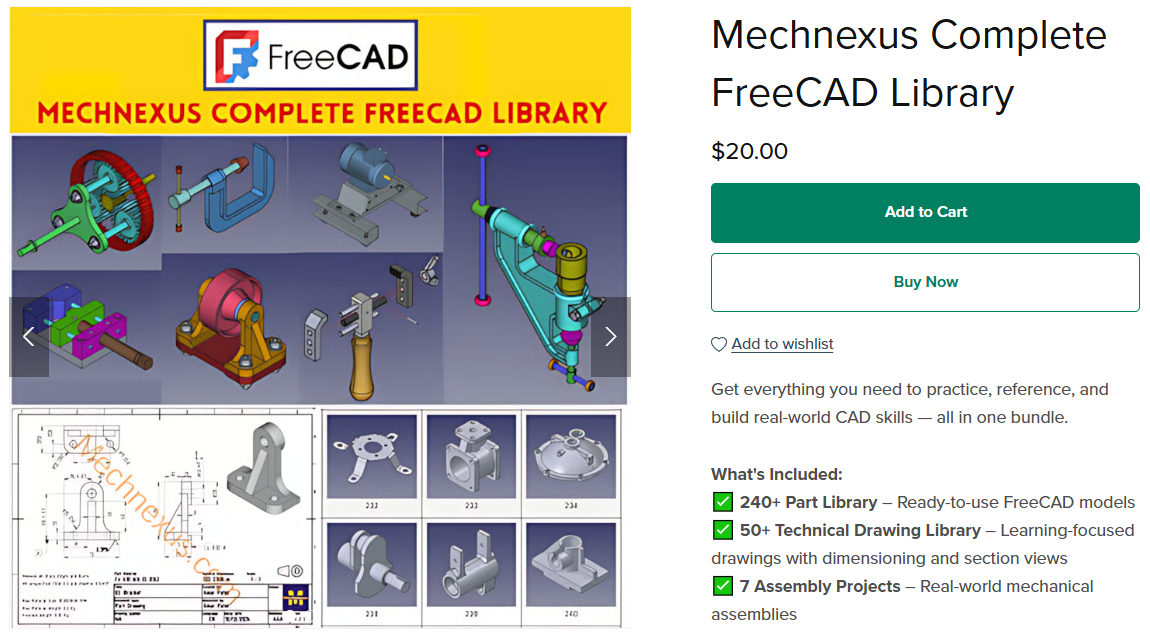
 My FreeCAD Projects, Models & Drawings now on Payhip