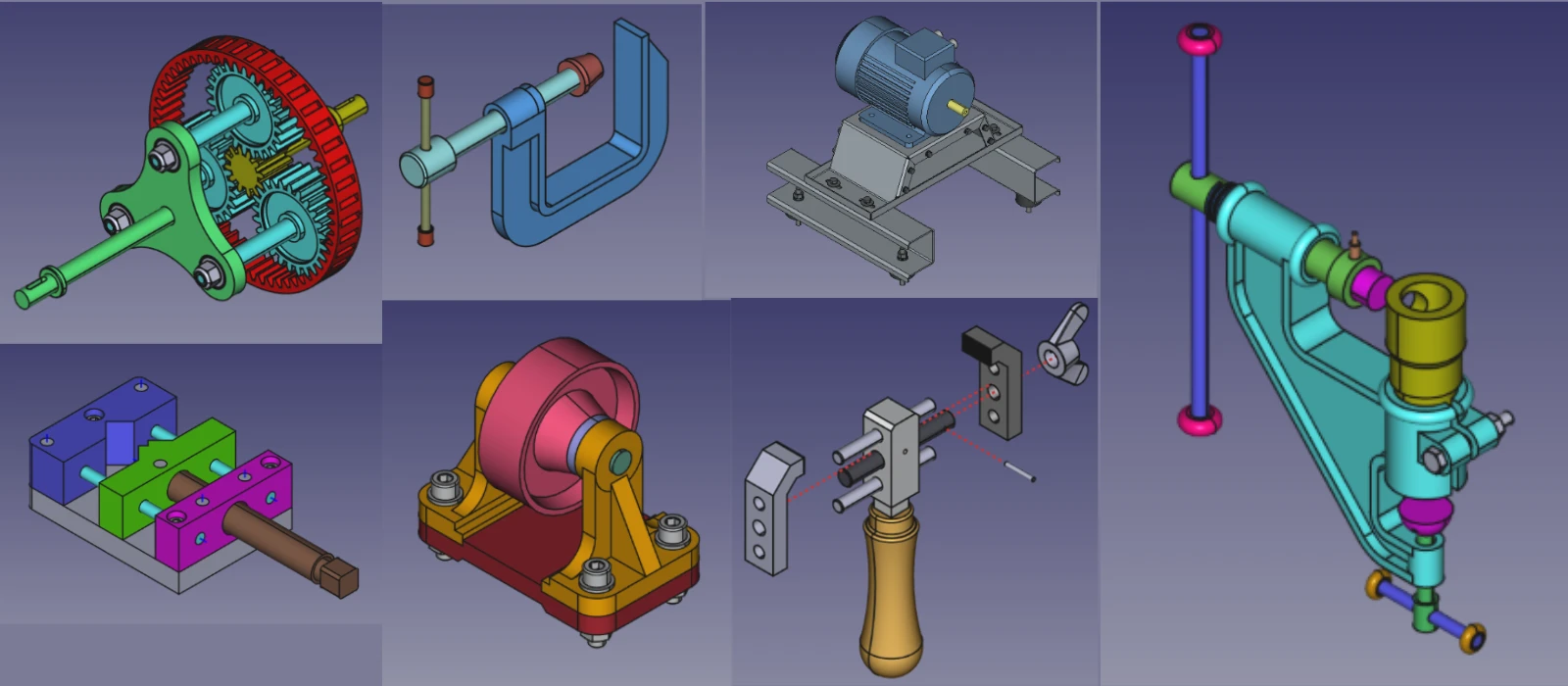

A thumbnail is a small, reduced-size version of an image or video, typically used to help viewers quickly and easily identify content. Thumbnail allow users to browse multiple items at once without needing to open each one individually. In this article we will learn how to force FreeCAD to regenerate thumbnail once file is saved.
Related Posts-:
- Measure Area, Volume & Center of Mass with Python Script
- Import Existing FreeCAD Setting on Fresh FreeCAD Installation
- FreeCAD with Python Scripting. Make Tools and Workflows
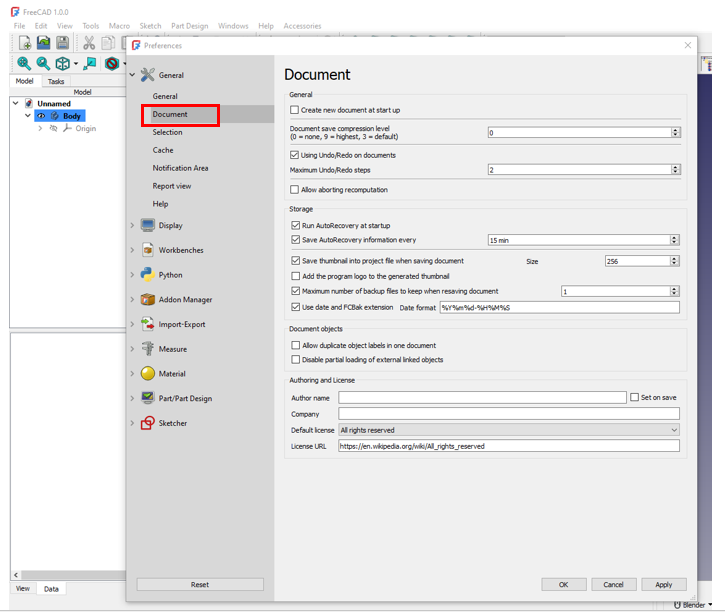
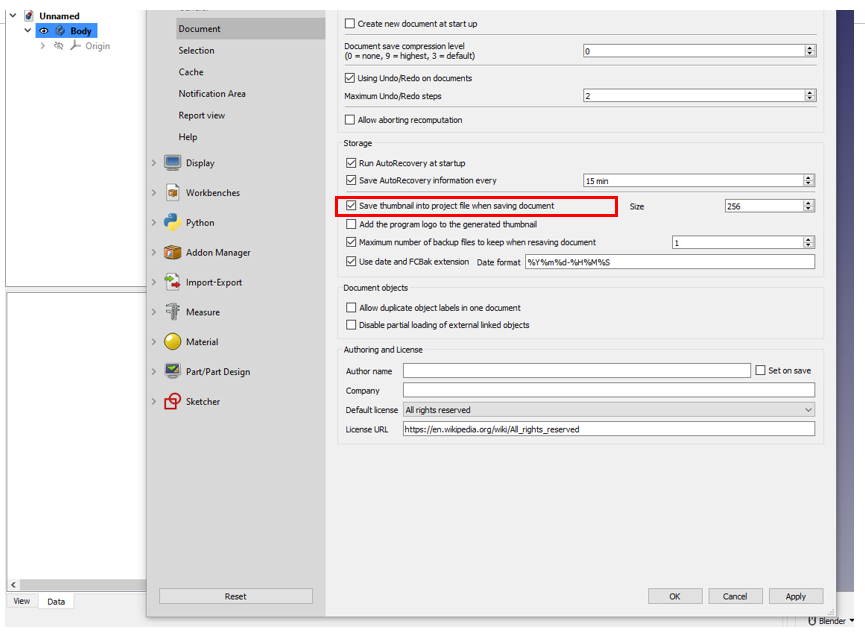
Now under document tab you will see the option of “Save Thumbnail into Project file when saving document” Enable it and save as shown in below image.
“Thank you for reading! If you found this article insightful and valuable, consider sharing it with your friends and followers on social media. Your share can help others discover this content too. Let’s spread knowledge together. Your support is greatly appreciated!”