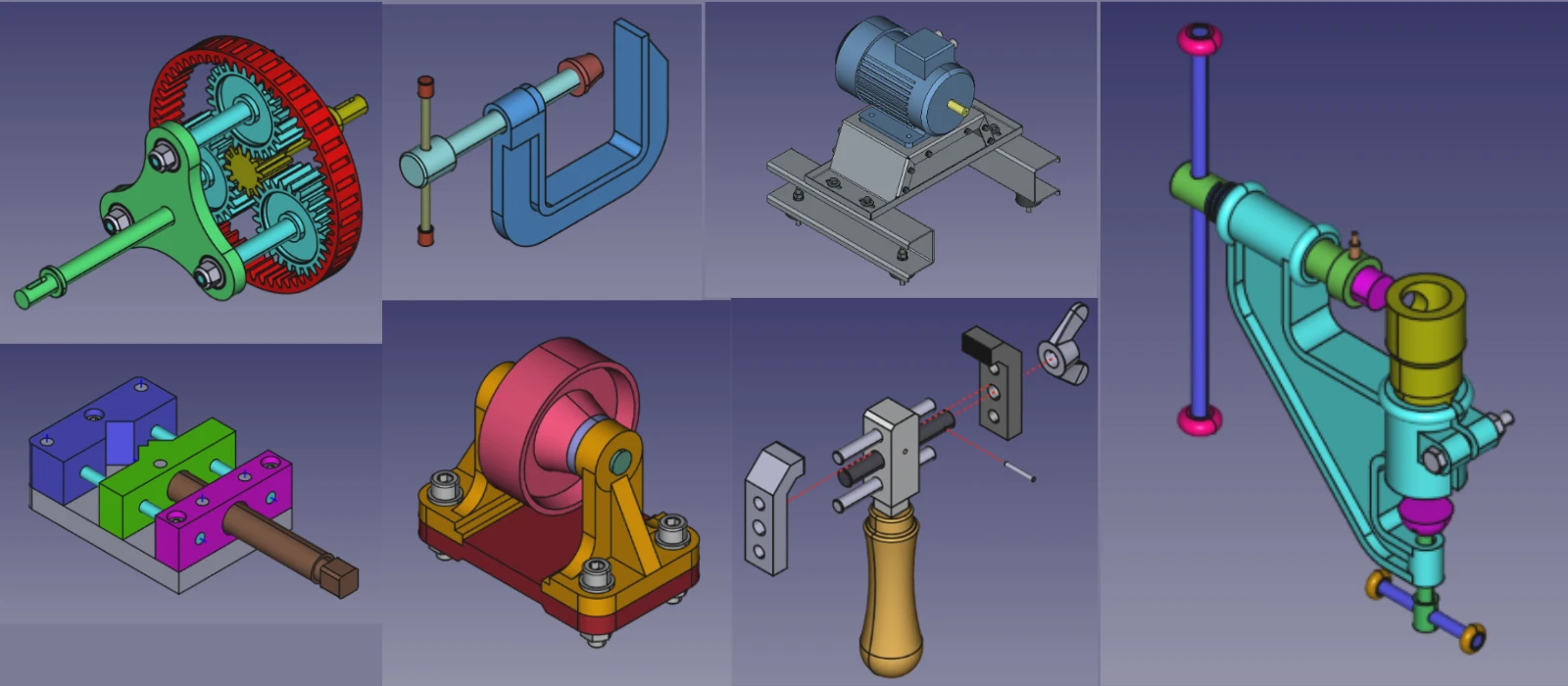


When comparing the learning curve of FreeCAD and Fusion 360, it is important to acknowledge the differences in their user interfaces and functionalities. FreeCAD, as an open-source software, may have a steeper learning curve due to its complex interface and limited resources for beginners. However, once users become familiar with its features such as parametric design and assembly module, they can leverage its powerful capabilities for engineering and designing projects.

On the other hand, Fusion 360 offers a more intuitive user interface and comprehensive tutorials that facilitate faster learning for novice users. Its cloud-based platform allows for collaborative work and seamless integration with other Autodesk products. Although both software have their strengths and weaknesses, professionals may find Fusion 360 to be more accessible and user-friendly for quick project turnaround times. Ultimately, the choice between FreeCAD and Fusion 360 depends on individual preferences and project requirements.
- FreeCAD:
- Steeper Learning Curve: FreeCAD’s interface and workflow can be less intuitive, especially for beginners.
- Community-Driven Support: While there are tutorials and forums, the learning resources are not as extensive as Fusion 360’s.
- Fusion 360:
- Beginner-Friendly: Fusion 360 has a more intuitive interface and extensive learning resources, including tutorials, webinars, and a large user community.
- Guided Workflows: The software often provides prompts and guides to help users complete tasks.
Winner: Fusion 360 (for beginners).
“Thank you for reading! If you found this article insightful and valuable, consider sharing it with your friends and followers on social media. Your share can help others discover this content too. Let’s spread knowledge together. Your support is greatly appreciated!”

 My FreeCAD Projects, Models & Drawings now on Payhip