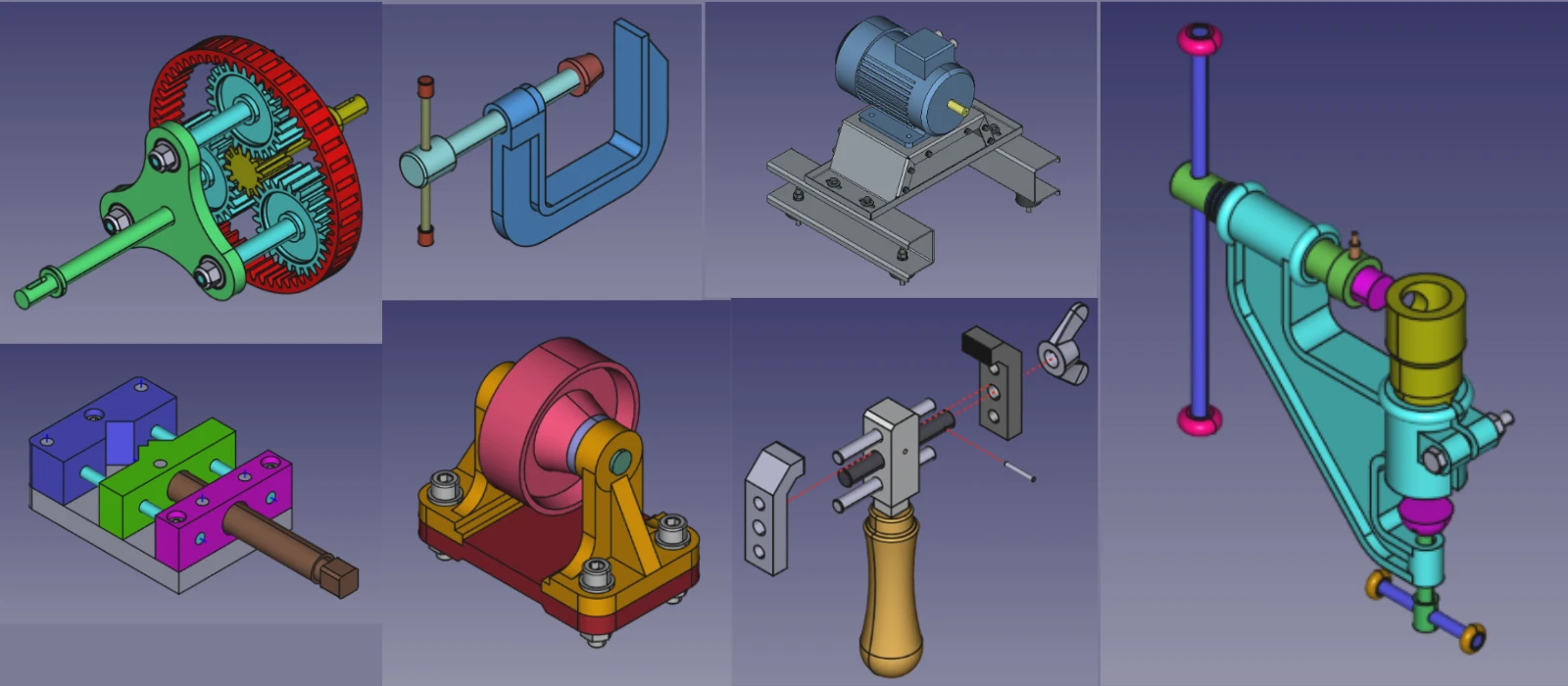


There are several potential reasons why FreeCAD may crash when using a specific tool. One common issue is hardware limitations, such as insufficient RAM or an outdated graphics card, which can cause the program to freeze or crash when attempting complex operations. Another possibility is software bugs or glitches within the program itself, which may cause instability when using certain tools.

Additionally, user error or improper usage of the tool could also be a contributing factor to crashes. It is important to ensure that FreeCAD is up to date with the latest version and that your system meets the minimum requirements for running the software in order to prevent crashes when using specific tools. Troubleshooting steps such as restarting the program, checking for updates, and adjusting settings may help resolve any issues causing FreeCAD to crash.
Possible Causes:
- Bugs in the tool or workbench.
- Corrupted geometry or invalid operations.
Solutions:
- Check for Geometry Errors:
- Use the Part > Check Geometry tool to identify and fix issues with your model.
- Ensure all sketches are fully constrained and valid.
- Switch Workbenches:
- If the crash occurs in a specific workbench (e.g., Part Design, FEM), try using an alternative workbench to achieve the same result.
- Report the Bug:
- If the issue persists, report it to the FreeCAD community:
- Go to the FreeCAD Forum.
- Provide details about the crash, including:
- FreeCAD version.
- Operating system.
- Steps to reproduce the issue.
- Error messages (if any).
- If the issue persists, report it to the FreeCAD community:
“Thank you for reading! If you found this article insightful and valuable, consider sharing it with your friends and followers on social media. Your share can help others discover this content too. Let’s spread knowledge together. Your support is greatly appreciated!”

 My FreeCAD Projects, Models & Drawings now on Payhip