Automating repetitive tasks in FreeCAD can significantly increase productivity and efficiency in the design process. By utilizing Python scripting and macros, users can create custom scripts to automate commonly performed tasks such as creating standard shapes, modifying geometries, or generating complex assemblies.

This automation not only reduces the time spent on repetitive actions but also minimizes the likelihood of human error, leading to more accurate and consistent designs. Additionally, automating tasks allows designers to focus on more critical aspects of the project, such as problem-solving and innovation.
Example: Batch Import and Export
import FreeCAD as App
import Mesh

# List of STL files to import
stl_files = ["file1.stl", "file2.stl", "file3.stl"]

for file in stl_files:
    # Import STL
    Mesh.insert(file)
    doc = App.ActiveDocument

    # Export to STEP
    step_file = file.replace(".stl", ".step")
    doc.saveAs(step_file)

    # Close the document
    App.closeDocument(doc.Name)
With proper training and knowledge of scripting languages, users can streamline their workflow and make the most out of FreeCAD’s capabilities for a more efficient design experience. You can automate repetitive tasks by writing scripts that perform multiple steps in sequence.
“Thank you for reading! If you found this article insightful and valuable, consider sharing it with your friends and followers on social media. Your share can help others discover this content too. Let’s spread knowledge together. Your support is greatly appreciated!”

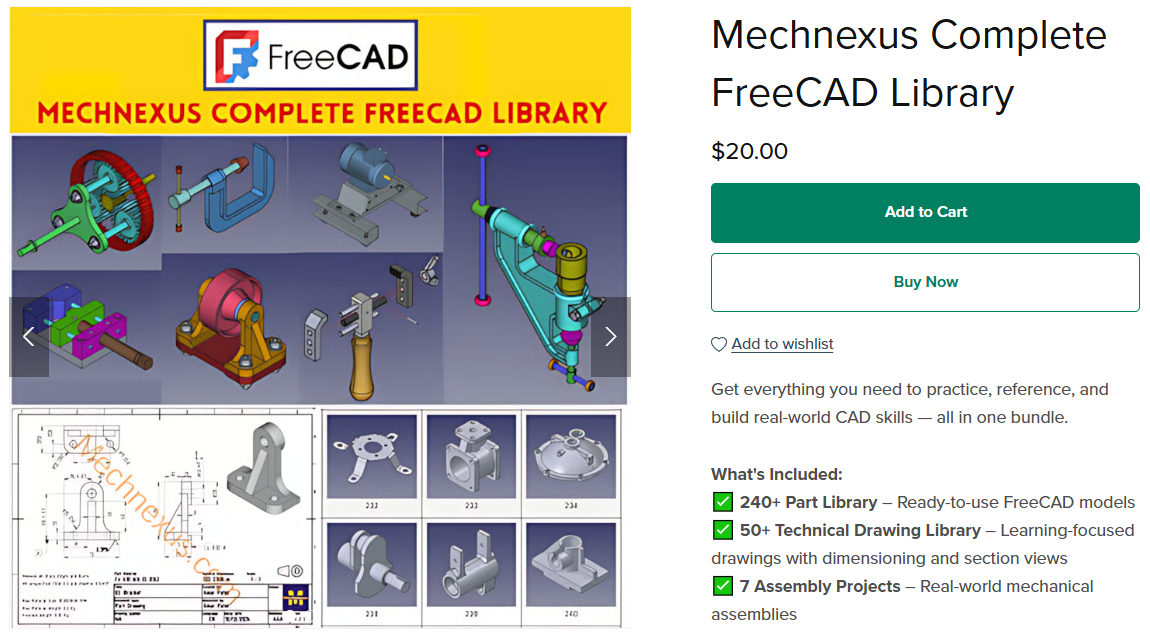
 My FreeCAD Projects, Models & Drawings now on Payhip