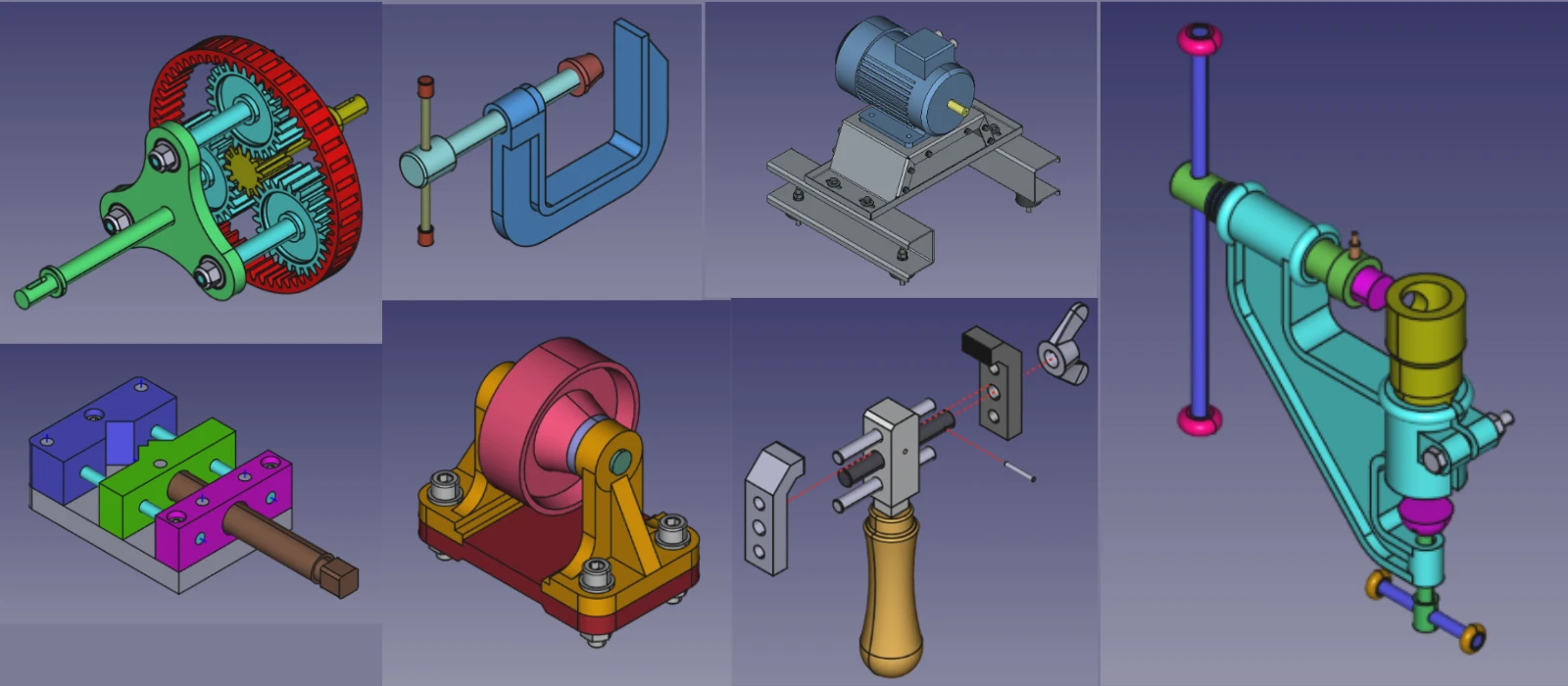

When comparing the customization and extensibility of FreeCAD to Fusion 360, it is important to consider the unique strengths and limitations of each software. FreeCAD, being an open-source platform, offers a high level of customization through its modular design and extensive library of user-created plugins. This allows users to tailor the software to their specific needs and workflows, making it suitable for a wide range of industries and applications.

On the other hand, Fusion 360, with its cloud-based architecture and seamless integration with other Autodesk products, provides a more streamlined approach to collaboration and project management. While Fusion 360 may lack some of the flexibility of FreeCAD in terms of customization, its robust feature set and strong support from Autodesk make it a popular choice for professional designers and engineers looking for a comprehensive solution. Ultimately, the decision between FreeCAD and Fusion 360 will depend on the specific requirements of the user’s project and workflow.
- FreeCAD:
- Highly Customizable: Being open-source, FreeCAD can be modified and extended using Python scripting.
- Community Add-ons: Users can create and share custom workbenches, macros, and plugins.
- Fusion 360:
- Limited Customization: Fusion 360 is proprietary, so customization options are limited to what Autodesk provides.
- API Access: Fusion 360 does offer an API for scripting and automation, but it’s not as flexible as FreeCAD’s open-source environment.
Winner: FreeCAD (for customization and extensibility).
“Thank you for reading! If you found this article insightful and valuable, consider sharing it with your friends and followers on social media. Your share can help others discover this content too. Let’s spread knowledge together. Your support is greatly appreciated!”

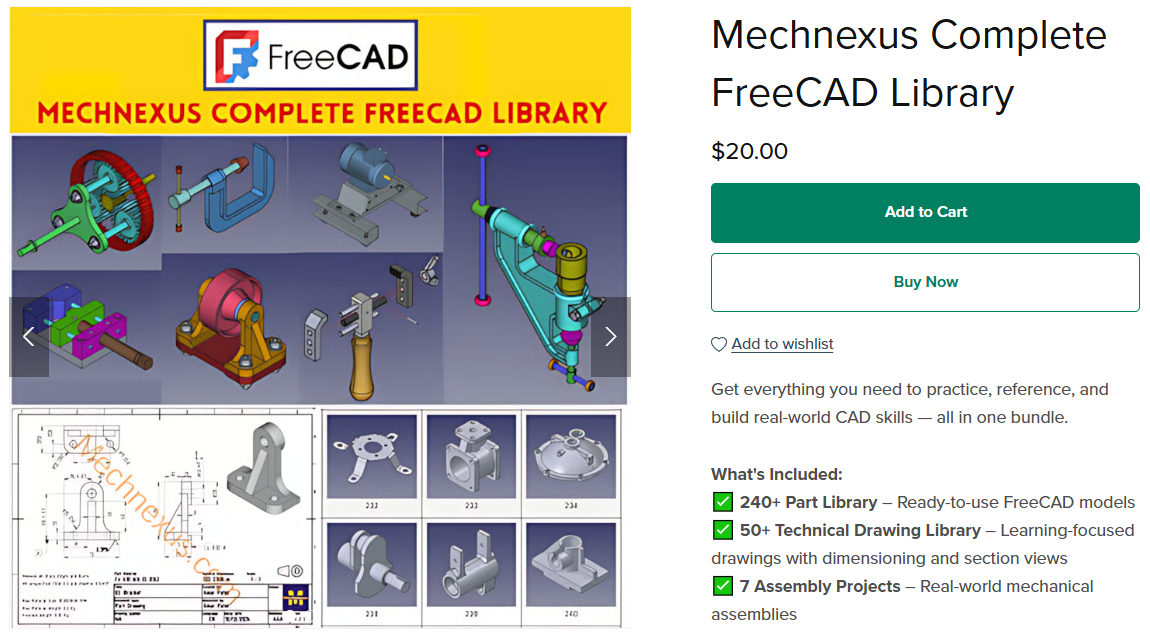
 My FreeCAD Projects, Models & Drawings now on Payhip