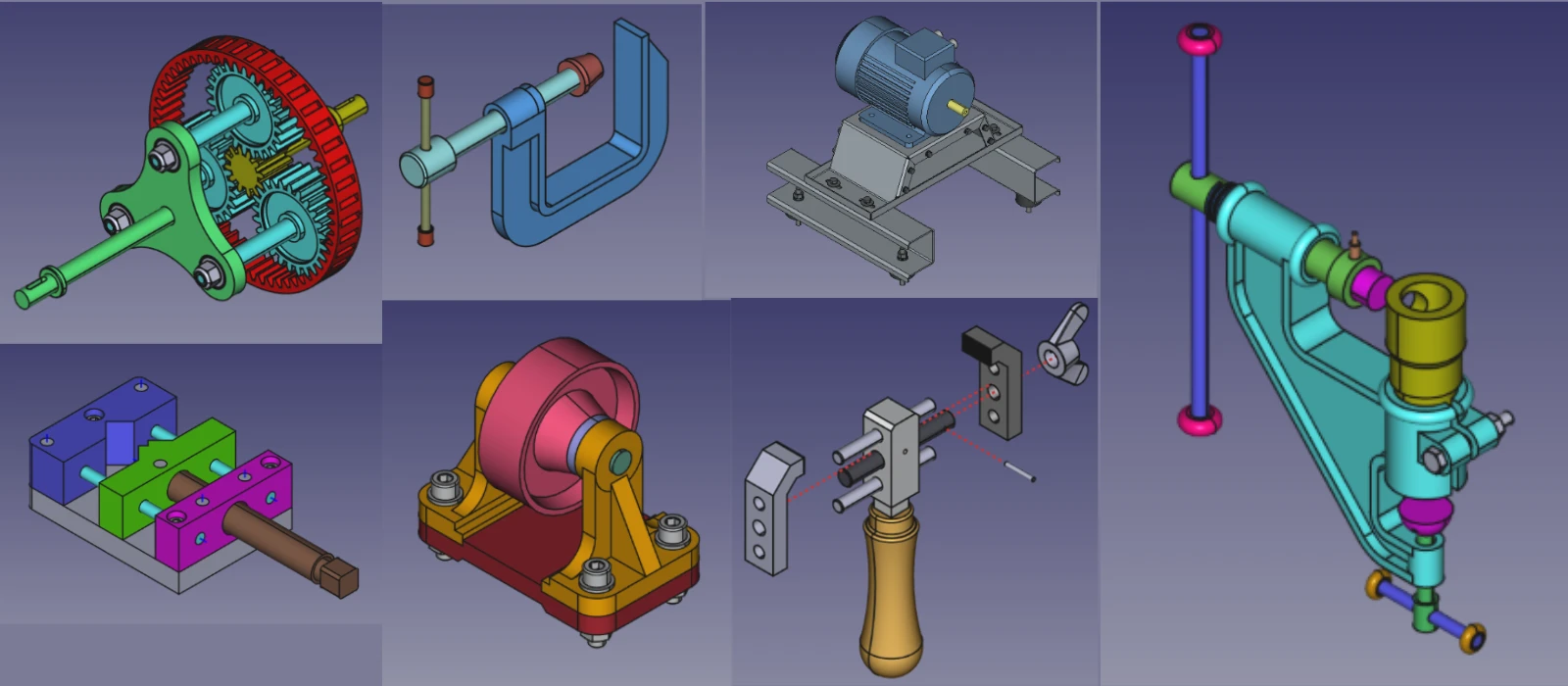
Learning FreeCAD is best done through a series of hands-on projects it could feel difficult at starting stage but when you deep dive into it’s core principle you will love it especially if you are using FreeCAD for 3D printing Part Workbench is amazing. As an open-source, parametric 3D modeler, its learning curve can be steep, especially for those new to CAD, and the community recommends a very specific approach to getting started.
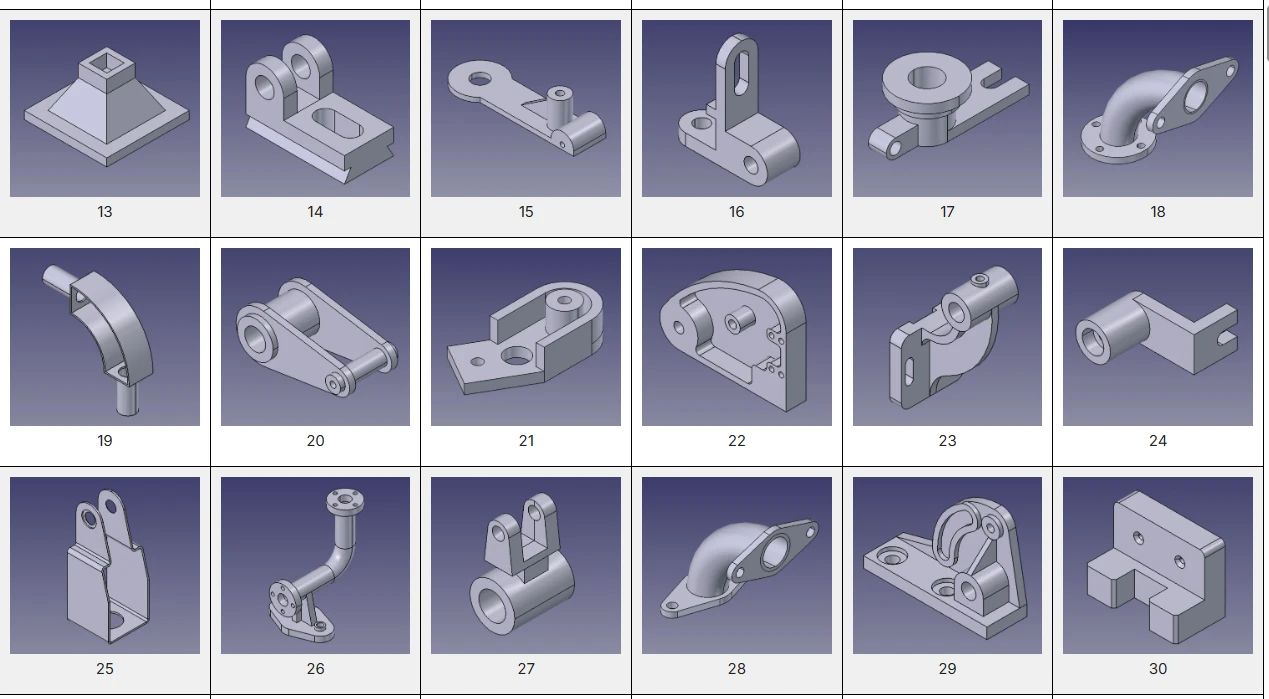
Challenges and projects are an excellent way to move beyond isolated tutorials and build practical, real-world skills in FreeCAD. You can access my FreeCAD Part Library to know the modeling procedure and you can start with simple part such as bracket, panel shaft etc.
Also Read-:
- Power of FreeCAD: Essential Tools for Mechanical Engineers
- Visit My FreeCAD Video Tutorial Library
- Advantages of FreeCAD That Every FreeCAD user Must Know
Here is a brief overview of how challenges and projects function as learning resources, along with where to find them.
🚀 Challenges vs. Projects: What’s the Difference?
While they often overlap, it’s useful to distinguish between the two:
| Aspect | Challenges | Projects |
|---|---|---|
| Focus | A specific skill, tool, or technique (e.g., “master constraints,” “create a complex pattern”) . | A complete, functional object or system (e.g., “design a drone,” “model a house”) . |
| Scope | Narrow, well-defined, and often short. | Broad, multi-stage, and can be long-term. |
| Goal | To build proficiency in a particular area. | To simulate a real-world design workflow from concept to completion. |
| Example | Create a fully constrained sketch for a simple part or design a custom servo horn using polar patterns and Boolean operations. | Design a custom desk organizer system or model a complete remote control for a drone, including its enclosure and button layout. |
🔍 Where to Find Challenges and Projects
You can find structured exercises and inspiring project ideas in several places:
-
Structured Books with Projects: Books like the FreeCAD 0.20 Black Book are specifically written to guide you through “real-world examples with real challenges in designing.” They often include step-by-step tutorials for complete projects and end-of-chapter exercises for practice. The FreeCAD for Beginners guide also promises practical examples and hands-on exercises to build skills progressively.
-
Community-Driven Tutorials: The FreeCAD documentation wiki is a treasure trove of categorized tutorials. You can find guides for specific domains like Architecture and BIM, Part Design, FEM (simulation) , and CNC machining. These are essentially mini-projects that teach you a complete workflow.
-
Online Project Showcases: Platforms like Printables.com host user-uploaded models, and many creators share their design files. For instance, one user documented their entire journey of learning FreeCAD by creating a modular desk organizer system called “Pieces”. By downloading and deconstructing such
.FCStdfiles, you can learn how more complex, multi-part projects are structured. -
Educational Resources: Websites like the Fab Academy archive student projects, which are fantastic for seeing how FreeCAD is used in a comprehensive design and fabrication context. Examples include designing a stamp handle for 3D printing or planning the entire 3D-printed and laser-cut enclosure for a custom drone remote.
-
Live Sessions and Advanced Tutorials: For cutting-edge techniques, keep an eye on community announcements. For example, a live session on Generative Design & Topology Optimization demonstrates tackling a complex, advanced challenge that goes beyond basic modeling.
💡 Tips for Learning Through Projects
-
Start with a Clear Goal: Choose a project that genuinely interests you, like the user who organized their desk. Motivation is key to pushing through challenges.
-
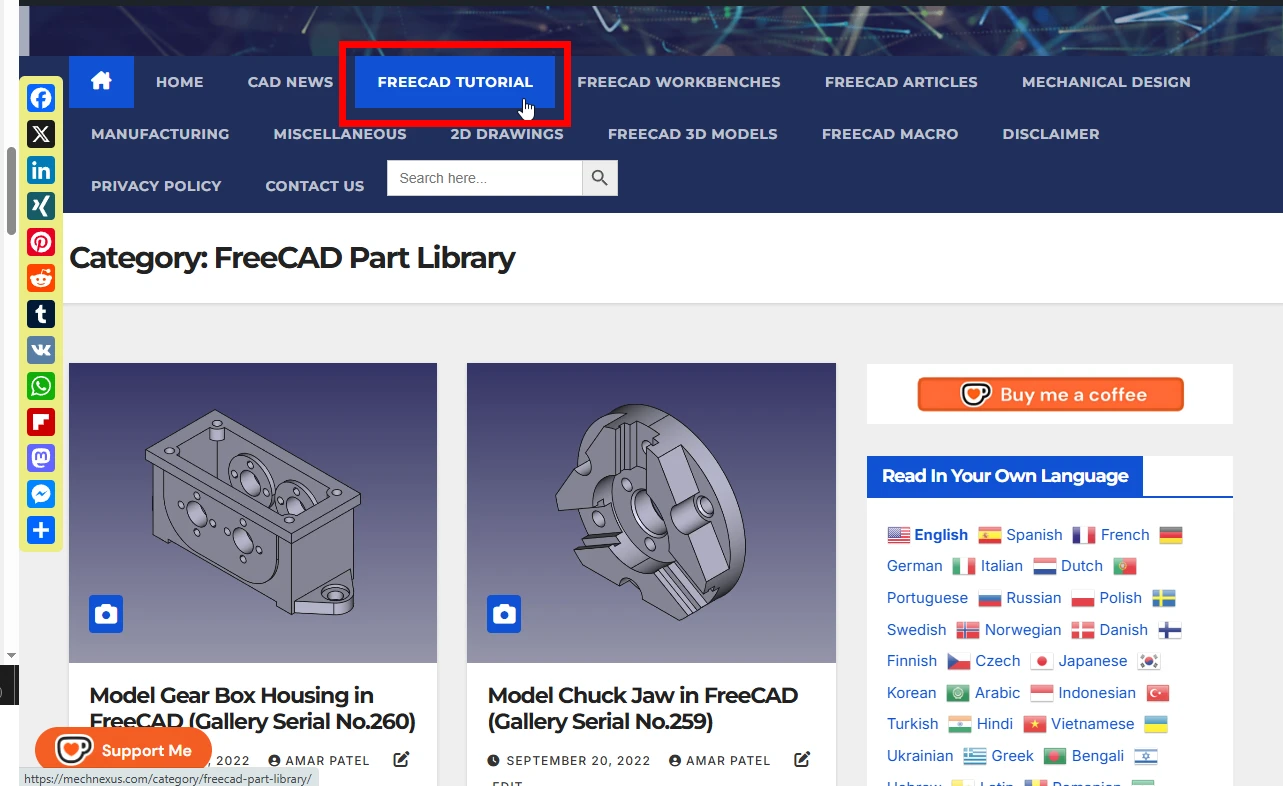
Follow a Structured Tutorial First: For your first few projects, find a detailed tutorial that matches your skill level. The DigiKey series is excellent for this, as it guides you through designing a functional object. You can acces my step by Step written tutorial on FreeCAD Part modeling at https://www.mechnexus.com/category/freecad-part-library/
-
Don’t Be Afraid to Fail: FreeCAD seems to be difficult to learn at starting stage but never give up learn from Sketching and Part Design Workbench first. Get started with simple part you can access my FreeCAD part library and download the part you want to practice my part gallery have serial number easy to remember and plan next part as well currently I have uploaded more than 240+ FreeCAD part for basic as well as for advance user. you can access at location https://www.mechnexus.com/freecad-mechanical-3d-part-library-with-download/
-
Deconstruct Existing Work: Downloading and modifying an existing project file, like the “Pieces” organizer, is a powerful way to understand how features and assemblies are built.You can access my FreeCAD Part Library to know the modeling procedure and you can start with simple part such as bracket, panel shaft etc.
- FreeCAD Challenges:
- Participate in design challenges on the FreeCAD Forum or Reddit to improve your skills.
- Open Source Projects:
- Contribute to open-source projects that use FreeCAD, such as Open Source Ecology or LibreSolar.
“Thank you for reading! If you found this article insightful and valuable, consider sharing it with your friends and followers on social media. Your share can help others discover this content too. Let’s spread knowledge together. Your support is greatly appreciated!”