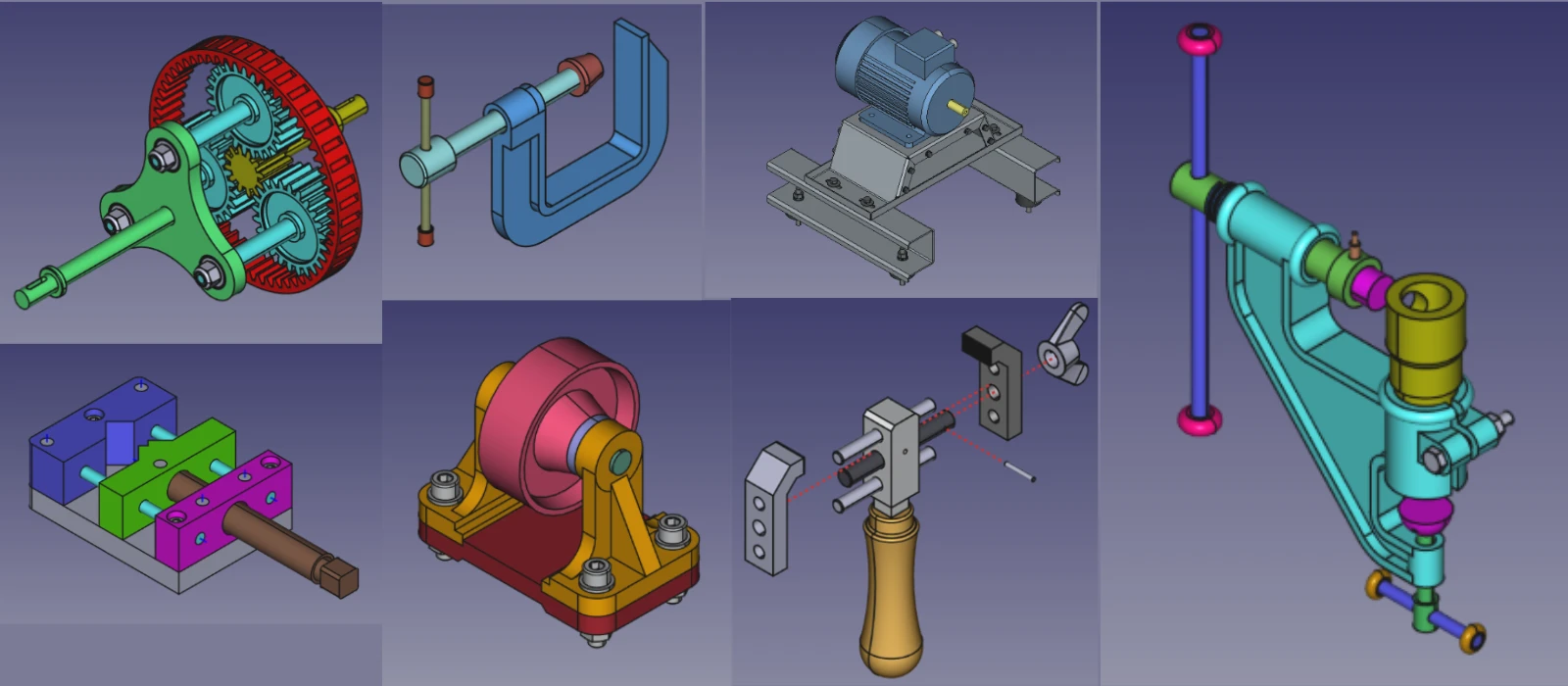
I have used many CAD software during my professional experience of more than 10+ years as CAD and Mechanical design engineer but FreeCAD is something different because in FreeCAD you can design a part with multiple workbenches where as in property software you have to use what they have build.
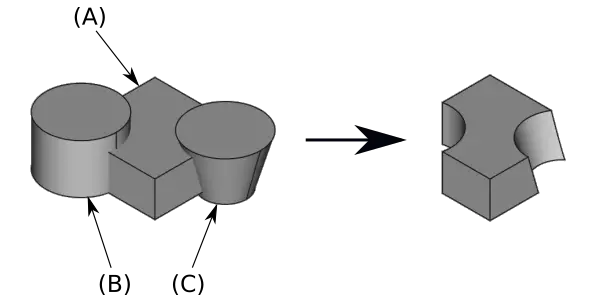
Boolean operation in FreeCAD is a very powerful feature of Part modeling that we will discuss in this post and how it can make 3D printing easier as compare to other CAD software. in simple words Boolean operation is to create a shape with addition and subtraction of two or more shape. In FreeCAD Boolean operation can be applied to any solid part.
Best part is Part Workbench in FreeCAD comes with primitives FreeCAD primitives are basic, pre-made geometric shapes—such as cubes, cylinders, spheres, and cones—that serve as foundational building blocks for 3D and 2D modeling and that makes boolean operation parametric like if i subtract cylinder from cube to create cut and then i change cylinder diameter cut will be modified automatically.
Also Read-:
- Measure Area, Volume & Center of Mass with Python Script
- Import Existing FreeCAD Setting on Fresh FreeCAD Installation
- FreeCAD with Python Scripting. Make Tools and Workflows
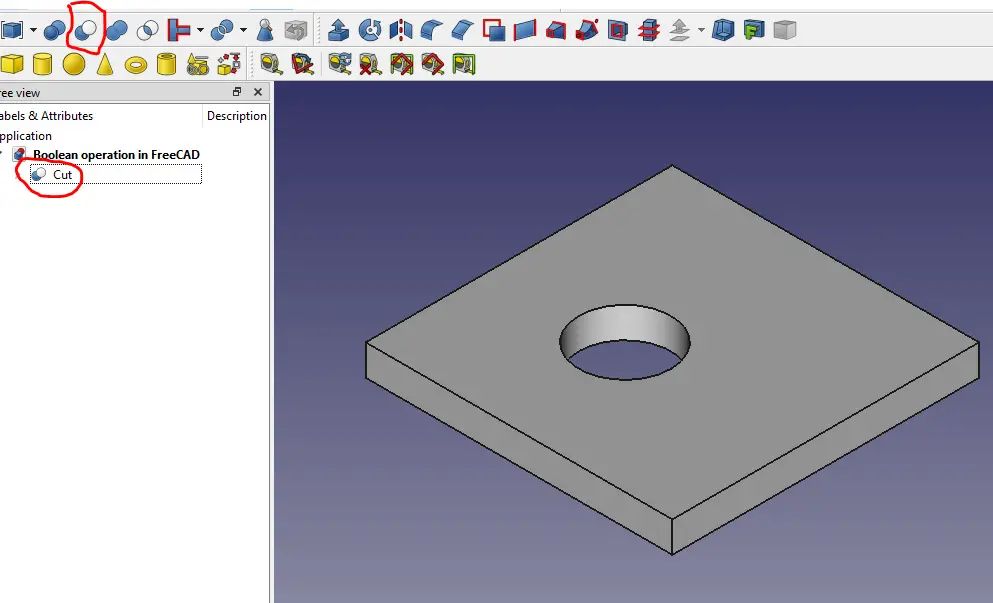
To use Boolean operation in FreeCAD Switch to Part Workbench and you will get Boolean Operation at left side as shown in the below image.
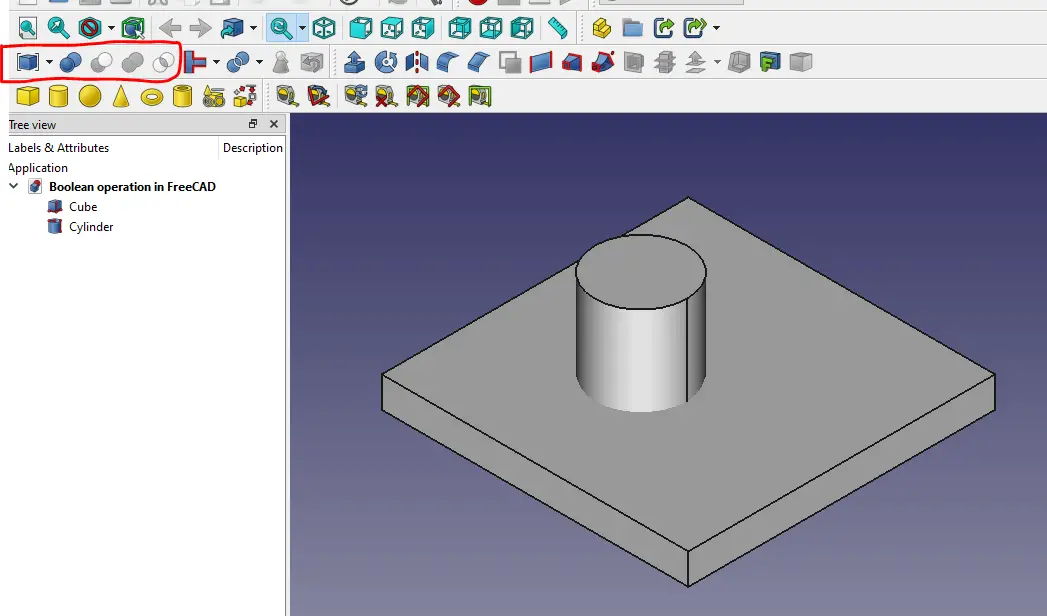
1. Cut Boolean Operation-: In this operation a new shape is get created by subtracting one body from another. First select the parent body and then child body and Click on cut operation. As in above example Plate will be my Parent and cylinder will be my child and output will be like shown in below image.
Also Read:
- Basic Guide to Choosing ISO or ASME Standard for 2D Drawing
- Select Shaft Diameter with respect to Bearing Number
- Basic Guide to UC Bearing Number Designation
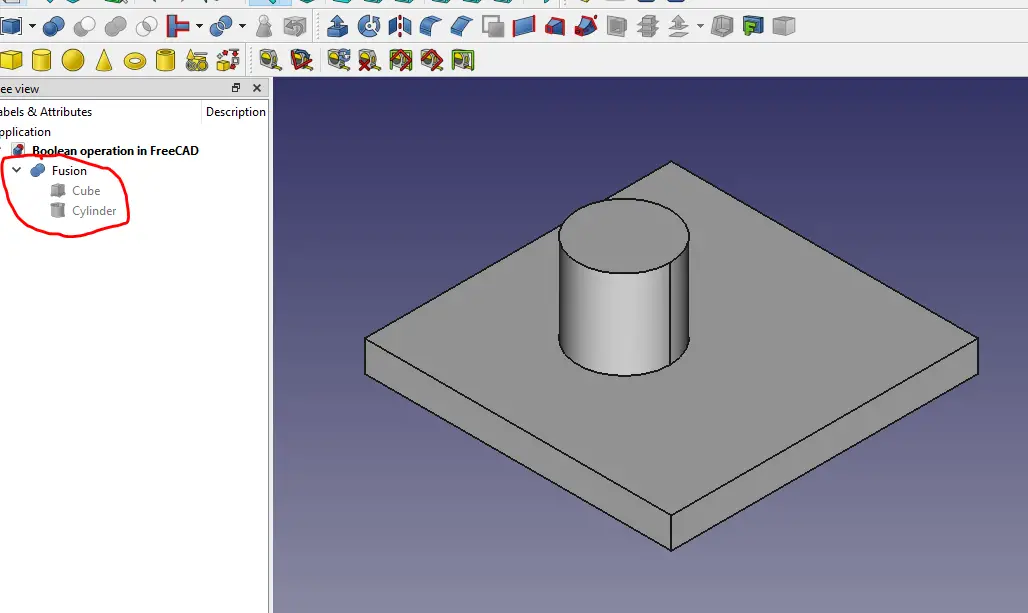
2. Union Boolean Operation-: This is use to create a new body by combining two bodies. I have combined Plate and Cylinder as Shown in below image.
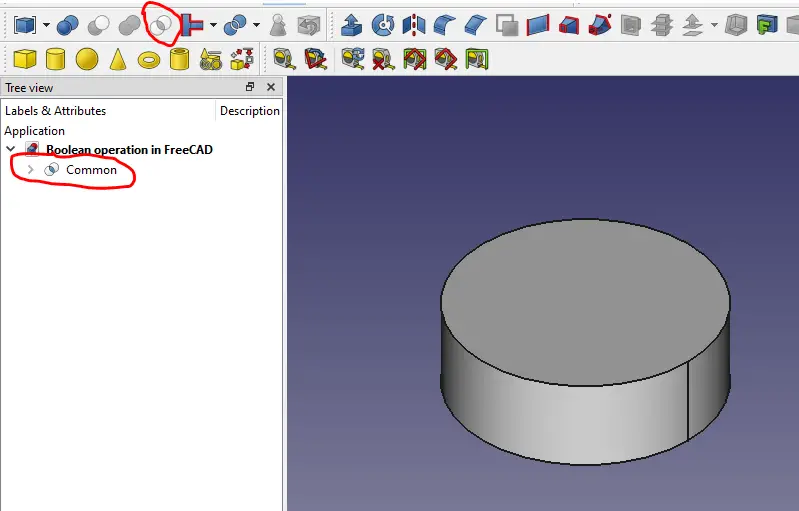
3. Inter-Section Boolean Operation-: This operation is used to obtain inter-section area of two bodies as shown in below image intersecting solid of Cylinder and Plate.
Once you have performed any of the Boolean operation you can edit the properties of the resulting object in the property editor. Boolean operation is one the most powerful feature of part Workbench for creating complex shape. I have used many software in my life like Solidworks, Autodesk inventor but i have not found such easy to use tool in any software.
“Thank you for reading! If you found this article insightful and valuable, consider sharing it with your friends and followers on social media. Your share can help others discover this content too. Let’s spread knowledge together. Your support is greatly appreciated!”
Watch Video version of this Tutorial-:
 My FreeCAD Projects,Model & Drawing now on Gumroad